
Logs
Logs help you monitor your application’s build process, startup, and runtime behavior. You can use logs to debug issues, track performance, and understand what’s happening with your app’s deployments.
View Logs
Section titled “View Logs”In the Dashboard
Section titled “In the Dashboard”You can view logs in two places:
App-Level Logs (Current Runtime Logs). Live logs for your currently running application:
- Navigate to your app
- Click Logs in the sidebar
You’ll see live runtime logs with search, filtering, and log levels (INFO, ERROR, etc.).
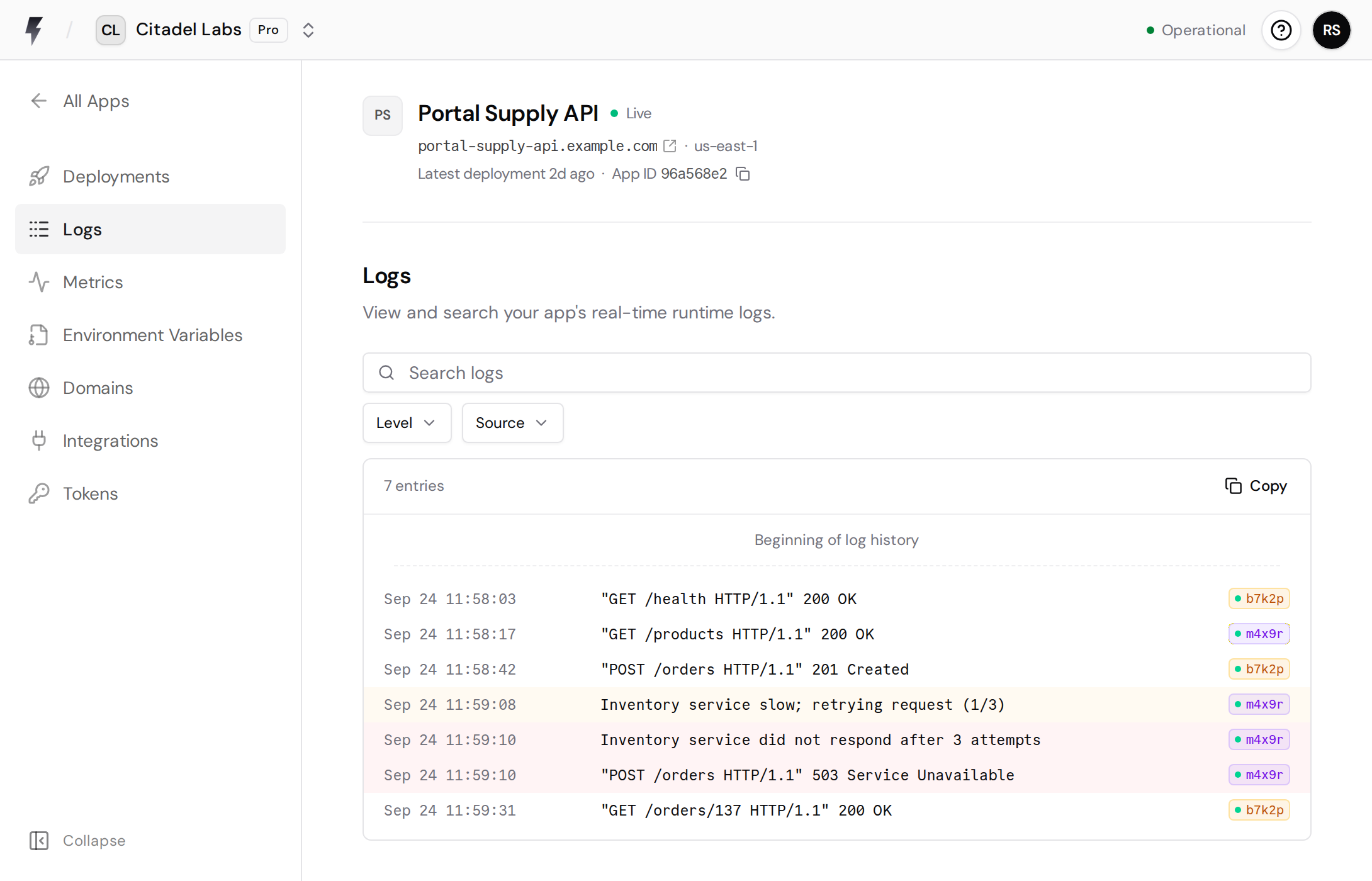
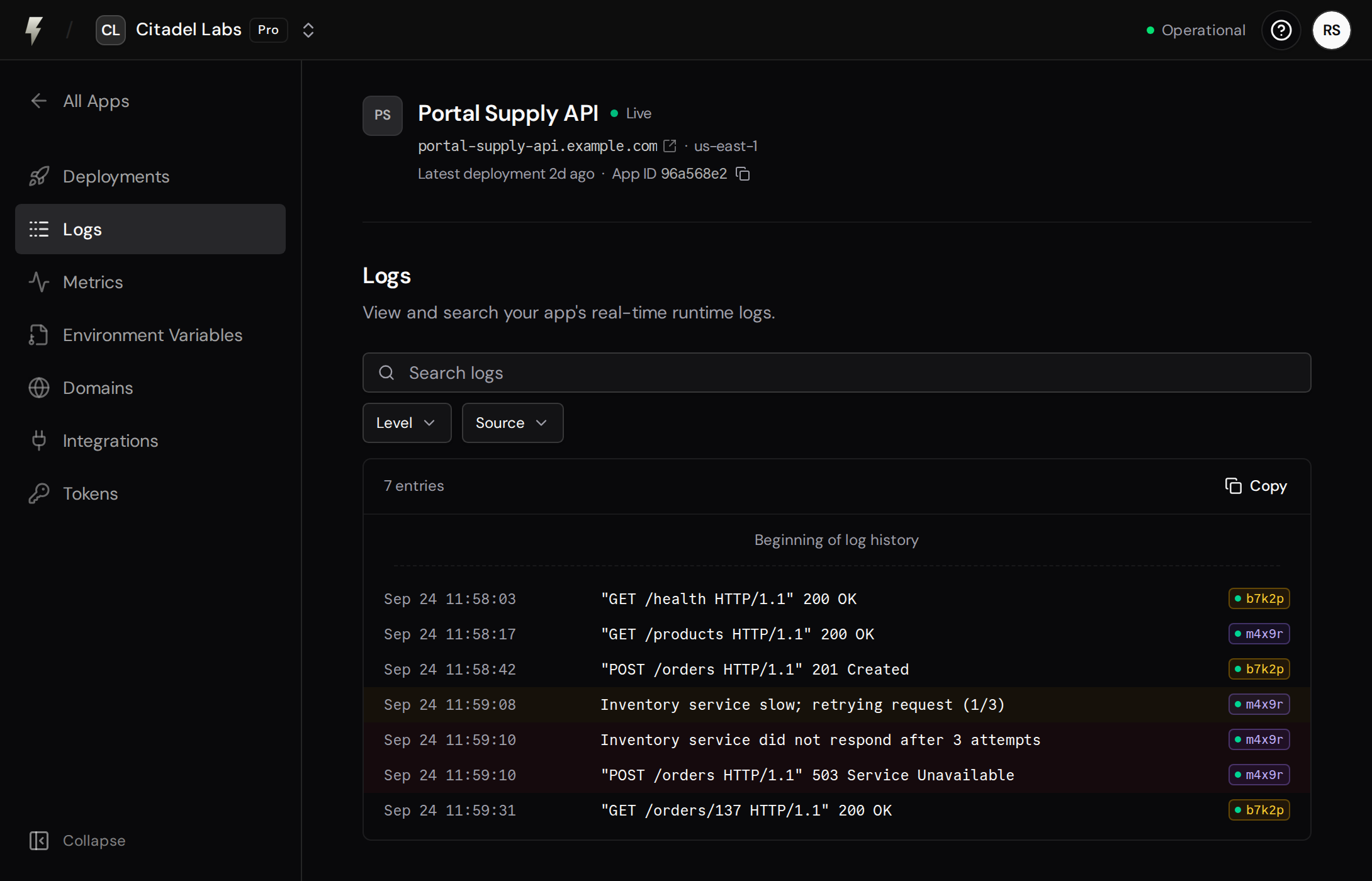
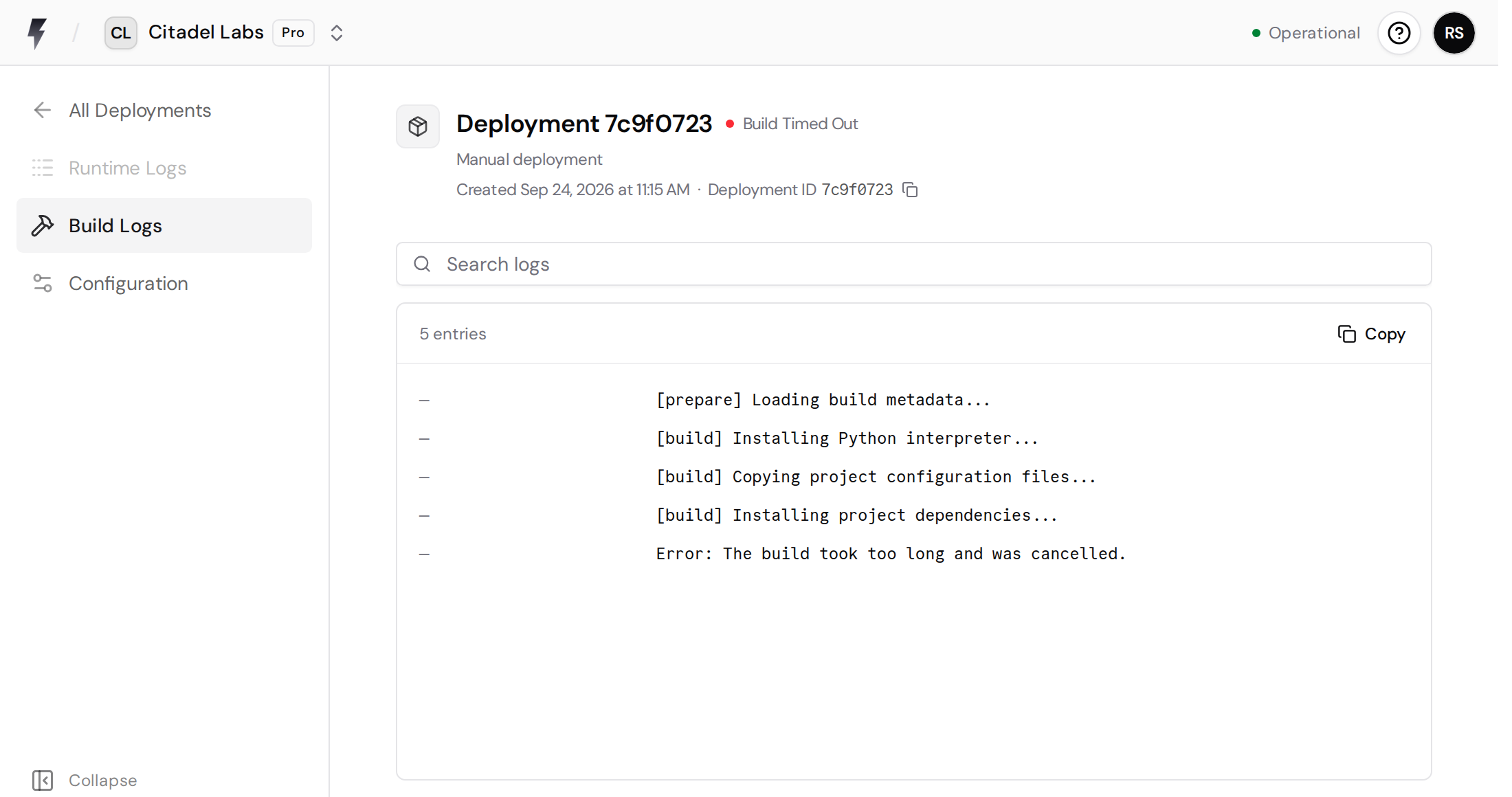
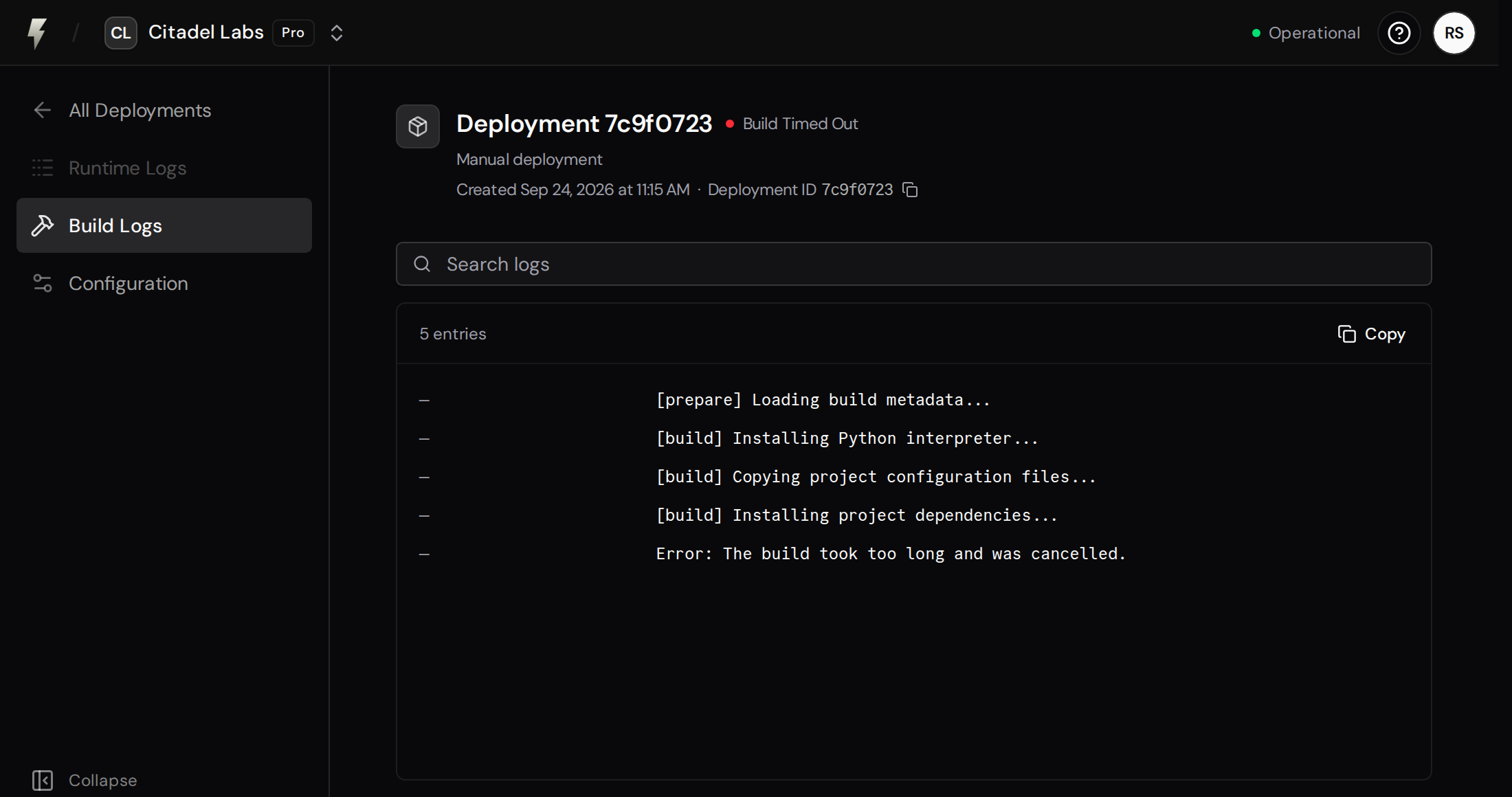
Deployment-Specific Logs (Build + Runtime). Logs for a specific deployment:
- Navigate to your app
- Click Deployments in the sidebar
- Click on a specific deployment
- Select Build Logs or Runtime Logs from the sidebar
Build logs are available for all deployments; runtime logs are available after the deployment completes.
From the CLI
Section titled “From the CLI”You can also stream logs directly from your terminal using the FastAPI Cloud CLI:
fastapi cloud logs # Stream logs in real-timefastapi cloud logs --no-follow # Fetch recent logs and exitfastapi cloud logs --tail 50 --since 1h # Last 50 logs from the past hourFeatures:
- Real-time log streaming with
--follow(default) - Fetch and exit mode with
--no-follow - Customizable number of lines with
--tail - Time range filtering with
--since(e.g.,5m,1h,2d) - Color-coded log levels for easy reading
See the Logs Command documentation for full details.
Log Types
Section titled “Log Types”Build Logs
Section titled “Build Logs”- Build and installation process
- Error messages during build
When to Check: When a build fails or takes longer than expected.
Runtime Logs
Section titled “Runtime Logs”Output from your running application:
- Application startup messages
- Request/response logs
- Error and exception traces
- Custom logging from your code
When to Check: To debug application errors or monitor behavior.
Log Levels
Section titled “Log Levels”- DEBUG: Detailed diagnostic information
- INFO: General informational messages
- WARNING: Warning messages for potential issues
- ERROR: Error messages for failures
- CRITICAL: Critical errors that may cause shutdown